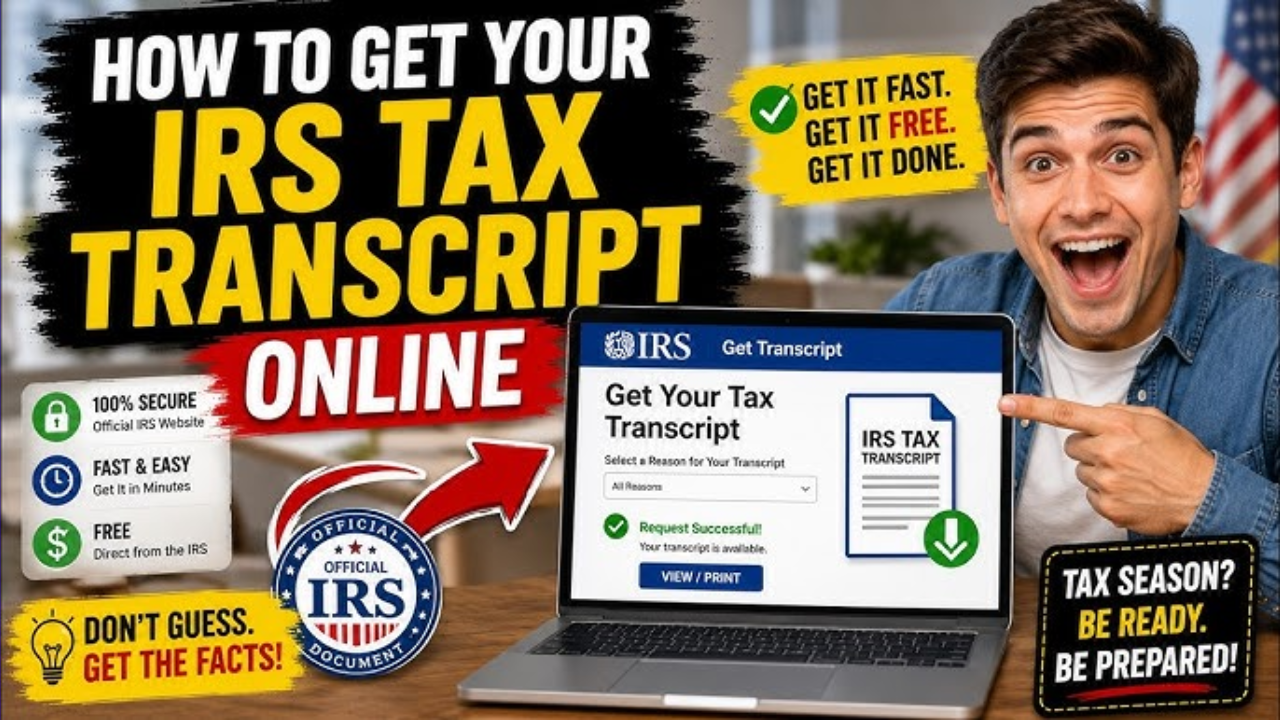
Need to verify your income for a mortgage, check your past Adjusted Gross Income (AGI), or grab proof of a past tax filing? Setting up an IRS Individual Online Account is the fastest way to get your records without waiting on hold or waiting for the mail.
Here is your step-by-step guide to getting your documents in minutes.
4 Steps to Download Your Transcripts Online
[1] Sign In or Register ➔ [2] Go to "Tax Records" ➔ [3] Select Your Reason ➔ [4] Download PDF
1. Log In or Verify Your Identity
Head to the official IRS website and navigate to the Individual Online Account portal. If you don’t have an account yet, you will be prompted to verify your identity via ID.me.
Tip: Have your photo ID (driver’s license or passport) and your smartphone ready for a quick selfie verification.
2. Navigate to Tax Records
Once you are on your main account dashboard, look at the top navigation menu and click on the Tax Records tab.
3. Select Your Transcript Type
Click the link that says Get Transcript. The system will ask why you need the document (e.g., mortgage, higher education, federal tax). Choosing a reason helps the system highlight the exact type of transcript you need.
4. View and Print
Select the specific tax year you are looking for. Your transcript will instantly open as a PDF. From there, you can view, print, or save it to your computer.
Quick Guide: Which Transcript Do You Need?
The IRS offers five different types of transcripts depending on your situation. Use this quick reference table to find yours:
| Transcript Type | What it Includes | Best For… |
| Tax Return Transcript | Most line items from your original, as-filed Form 1040. | Mortgage applications and student financial aid (FAFSA). |
| Tax Account Transcript | Basic data plus any later changes, payments, or IRS adjustments. | Checking amendments, tracking penalties, or viewing balances. |
| Record of Account | A comprehensive combo of the Return and Account transcripts. | Detailed audits or deep-dives into original vs. updated filings. |
| Wages and Income | Information from forms sent by your employers (W-2, 1099, 1098). | Filing back taxes if you lost your original paperwork. |
| Verification of Non-Filing | Official proof that the IRS has no record of a Form 1040 for that year. | Proving to a third party that you were not required to file. |
Bonus Features: What Else Can Your Account Do?
Your online account isn’t just for transcripts. It’s a full dashboard for your federal tax profile where you can:
- Check Your AGI: Instantly find your prior-year Adjusted Gross Income, which you need to sign and e-file your current tax return.
- Manage Payments: View any balance owed, see up to 5 years of payment history, or set up a penalty-free payment plan.
- Go Paperless: Read digital copies of official IRS notices instead of waiting for snail mail.
- Approve Tax Pros: Digitally authorize your CPA or tax preparer to access your information or represent you.
Locked out? If you can’t pass the online ID.me verification, don’t panic. You can still order your documents via the Get Transcript by Mail tool on IRS.gov or by calling 800-908-9946. Mailed transcripts generally arrive in 5 to 10 calendar days.

Suresh holds a Master of Commerce (M.Com) degree and is a dedicated personal finance researcher and writer. Combining his advanced academic background in commerce with deep industry research, he covers complex topics like taxation, banking systems, credit analysis, and personal finance strategies. As the founder of Tax Assistant (taxassistant.org), Suresh is committed to translating complicated financial guidelines and economic data into simple, accurate, and actionable educational resources for everyday readers.