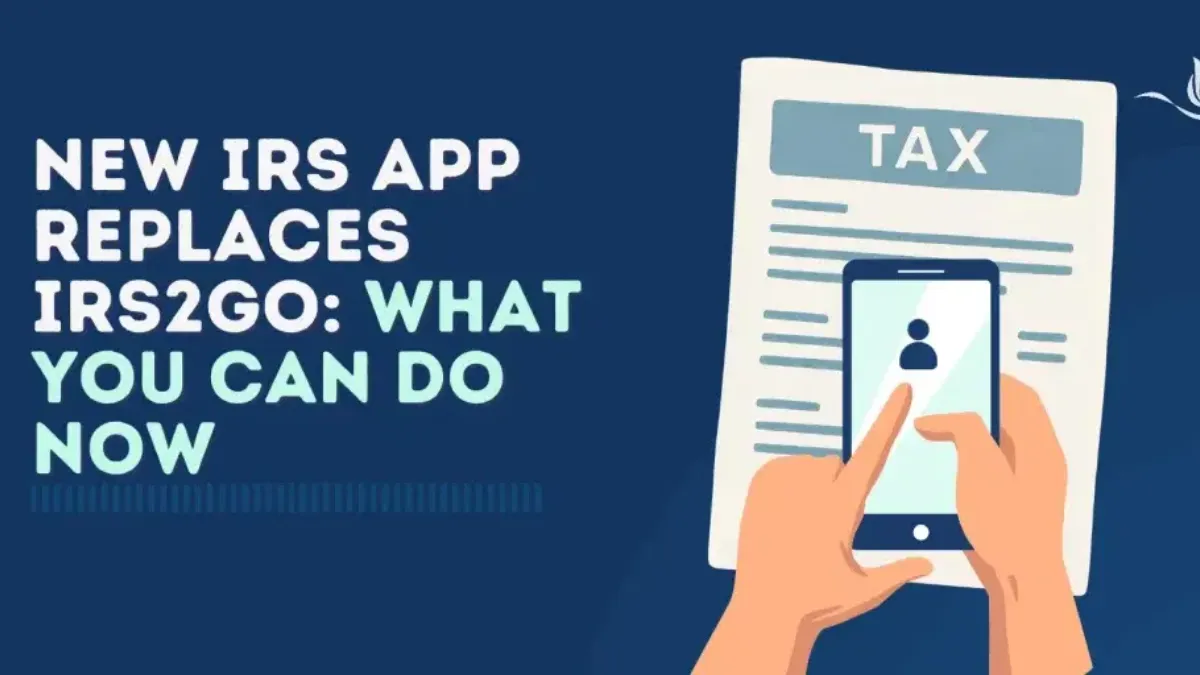
The Internal Revenue Service today announced the launch of the new IRS mobile app, replacing IRS2Go and expanding the agency’s digital services to give taxpayers more ways to securely access IRS tools and account services from their mobile devices.
“The new IRS app puts more services at taxpayers’ fingertips,” said IRS Chief Executive Officer Frank J. Bisignano. “It advances our digital-first agenda to meet taxpayers how and where they choose to interact with the IRS, whether at home or on the go. Our goal is to make IRS services easy to access and more consistent across all of our platforms.”
For more than a decade, IRS2Go has helped taxpayers check refund status and find free filing resources. The new IRS app builds on that foundation by adding a broader set of secure, account-specific features. Taxpayers can now securely sign in to the official IRS app and access selected account information and self-service options, including:
- Check refund and amended-return status
- View available balance information
- Make payments and review payment activity
- View select notices and letters
- Access available tax records and transcripts
- Manage certain profile and communication preferences
- Access an Identity Protection PIN (IP PIN)
This is just the beginning—the IRS will continue expanding the app with new capabilities and services over time.
The IRS app is free and available through the Apple App Store and Google Play. Current IRS2Go users do not need to download a separate app. Users with automatic updates enabled will receive the IRS app through the normal update process. Taxpayers can also visit IRS app on IRS.gov for verified links and additional information.
The IRS app expands secure mobile access to selected IRS Individual Online Account services. It does not replace IRS.gov or the IRS online accounts. IRS.gov continues to provide comprehensive tax information, guidance, forms, tools and services. IRS Individual Online Account, Business Tax Account and Tax Pro Account will continue to be available through IRS.gov, with the IRS app initially extending selected Individual Online Account features only. Telephone and in-person assistance also remain available for taxpayers who need individualized help or whose issues cannot be resolved through self-service.
Taxpayers should use verified IRS links or the official IRS app listings in the Apple App Store and Google Play and be cautious of look-alike apps, advertisements and unsolicited messages claiming to provide access to IRS accounts. The IRS will not ask taxpayers to provide sensitive personal or financial information through an unsolicited text, email, or pop-up message. Taxpayers who are unsure whether a message or app is legitimate should avoid clicking unsolicited links and use verified resources to locate the official app.
Frequently Asked Questions (FAQs)
No. Existing IRS2Go users do not need to search for or download a new application. If automatic updates are turned on, your device will update IRS2Go directly into the new IRS app. Otherwise, you can manually select Update on the official listing in the Apple App Store or Google Play.
You can still check your standard refund status, make guest payments, and locate free tax filing assistance without logging in. Once you sign in securely through a protected browser window (using ID.me), you unlock Individual Online Account features—including checking amended-return status, viewing balances and payment history, downloading tax transcripts, reading select IRS notices, managing communication preferences, and retrieving your Identity Protection PIN (IP PIN).
No. The app extends selected Individual Online Account tools to mobile devices, so IRS.gov remains the primary hub for comprehensive tax guidance, downloadable forms, and full account functionality. Additionally, the app does not currently support Business Tax Account or Tax Pro Account services, which remain accessible only through IRS.gov.
No. Tax account details viewed after signing in are not stored as permanent data on your mobile device. Authentication happens outside the app in a secure browser window, and your active session closes automatically when you sign out or after a period of inactivity.
Only install or update the app through verified links on IRS.gov/app or the official Internal Revenue Service listings in the Apple App Store and Google Play. Be cautious of look-alike apps, paid search ads, or unsolicited texts, emails, and pop-ups claiming to link to your IRS account—the IRS never initiates contact via text, email, or social media to request sensitive personal or financial information.

Suresh Saini is the Founder and Lead Financial Researcher at Tax Assistant. He holds a Master of Commerce (M.Com) degree with a specialized focus on Advanced Accountancy, providing him with a robust academic and analytical foundation in complex accounting principles, credit systems, and personal finance structures.
Driven by a passion to democratize financial literacy, Suresh has spent years analyzing and decoding shifting fiscal guidelines. At Tax Assistant, he manages the platform’s core editorial direction, transforming dense government updates and complex banking parameters into structured, clear, and actionable guides for both individual taxpayers and small businesses across North America.
Before launching taxassistant.org, Suresh conducted deep financial and market dynamics research, focusing on asset management, personal wealth optimization, and strategic tax planning. His dedication to data integrity ensures that every piece of news, breakdown, or analysis published under his leadership is rigorously fact-checked by certified tax professionals and aligned perfectly with contemporary regulatory frameworks.