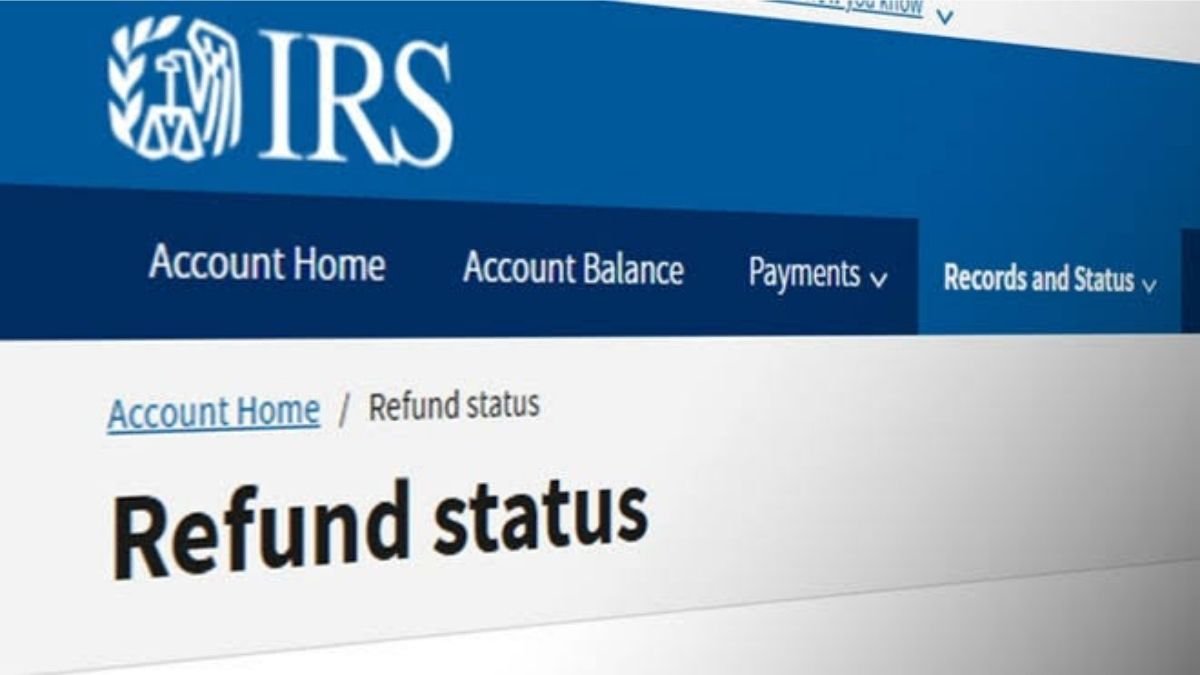
The Internal Revenue Service today encouraged taxpayers to explore the growing number of IRS.gov online tools that can help them quickly and securely take care of common tax tasks.
IRS.gov offers secure, self-service options that can help taxpayers, businesses, and tax professionals get tax information and take action online. These tools can help users access tax records, check refund status, make payments, manage payment plans, view notices, request an Identity Protection PIN, and handle authorization requests.
“IRS.gov gives taxpayers secure options to get information and take action when it is convenient for them,” said IRS Chief Executive Officer Frank J. Bisignano. “Online services make it easier for taxpayers, tax professionals, and businesses to resolve many common tax matters quickly. As a digital-first agency, we are committed to expanding our online tools to better serve the public.”
IRS Individual Online Account
Taxpayers can use IRS Individual Online Account to securely access personal tax information and complete many tasks online. After signing in, taxpayers can:
- View balance information by tax year.
- Make a same-day payment or schedule payments up to 365 days in advance from a bank account.
- View payment history and pending or scheduled payments.
- View key tax return information, including adjusted gross income.
- Access transcripts and available information return documents, including Forms W-2 and certain Forms 1099.
- Check the status of a refund or amended return.
- View digital notices from the IRS.
- Get an Identity Protection PIN.
- View, approve, and electronically sign certain authorization requests from tax professionals.
Taxpayers can also use the refund tracker to check refund status without signing in. Refund information is generally available 24 hours after the IRS receives an electronically filed current-year return, three days after an electronically filed prior-year return, or four weeks after a paper return is mailed.
Business Tax Account
Eligible businesses can use Business Tax Account to manage certain federal tax responsibilities online. Available features depend on the business structure and the user’s role.
Through Business Tax Account, eligible users may be able to:
- View business information on file with the IRS.
- View account balances and payment history.
- Make federal tax deposits, balance due payments, and other payments.
- View tax transcripts, an employer identification number verification letter, and tax compliance reports.
- View certain IRS notices and letters.
- Manage account access for authorized users.
Business Tax Account is available to several business and organization types, including sole proprietors, partnerships, S corporations, C corporations, federal, state, and local governments, Indian tribal governments, and tax-exempt organizations. Some users may have limited access based on their role in the entity.
Tax Pro Account
Tax professionals can use Tax Pro Account to manage certain authorization requests and authorized taxpayer relationships online.
Tax Pro Account allows eligible tax professionals to request power of attorney and tax information authorizations, view taxpayer information, check authorization request status, view active authorizations, and withdraw authorizations. When both the tax professional and individual taxpayer use IRS online accounts, certain authorization requests can be handled electronically.
Other IRS.gov tools
IRS.gov also offers helpful online tools and resources, including:
- Get Transcript to access personal tax records, including transcripts of past tax returns, tax account information, wage, and income statements, and verification of non-filing letters.
- Direct Pay with Bank Account to make secure tax payments directly from a bank account.
- Payment Plan to apply for or manage a payment plan when taxpayers cannot pay in full.
- Tax Withholding Estimator to help employees and pension recipients estimate federal income tax withholding.
- Interactive Tax Assistant to find answers to many tax law questions.
- IRS2Go Mobile App to check refund status, make a payment, find free tax preparation assistance, and sign up for tax tips.
Protect personal information
The IRS reminds taxpayers to use only IRS.gov to access IRS online services. The IRS does not initiate contact with taxpayers by email, text messages, or social media to request personal or financial information.
Taxpayers should not share usernames, passwords, or other account information with anyone. Taxpayers who receive a suspicious message claiming to be from the IRS should not click links, open attachments, or respond.
A: It depends on how you filed. You can check your refund status:
24 hours after electronically filing a current-year return.
3 days after electronically filing a prior-year return.
4 weeks after mailing a paper return.
A: No. While an Individual Online Account allows you to view payment history and schedule payments up to 365 days in advance, you can also use Direct Pay with Bank Account directly on IRS.gov to pay from a checking or savings account without creating or logging into an account.
A: Business Tax Account is available to sole proprietors, partnerships, S corporations, C corporations, tax-exempt organizations, Indian tribal governments, and federal, state, or local government entities. Access to features depends on your entity type and designated user role.
A: When both you and your tax professional use IRS online accounts, your preparer can submit digital requests for Power of Attorney or Tax Information Authorization. You can review, approve, and electronically sign these requests online instantly instead of dealing with paper forms.
A: Always access services directly by typing IRS.gov into your browser. The IRS does not initiate contact with taxpayers via email, text message, or social media to request personal or financial information, nor should you share your login credentials with anyone.

Manoj Sharma is a Senior Writer on the banking team at Tax Assistant. He provides information on budgeting, bank accounts, the banking industry, and other related topics. Using original data and methodologies, he helps you identify the best financial institutions, accounts, and products tailored to your needs. Manoj holds a degree in Journalism and Political Science from Syracuse University. All articles are strictly reviewed and fact-checked by our panel of expert Chartered Accountants, including CA Devendra Saini, CA Nikhil Khunteta, and CA Ankit Goyal
